

Free Forex Simulators Online in 2026: Demo Accounts, Replay Tools and What They Leave Out
FX Replay, broker MT4/MT5 demos, TradingView paper trading and the MT5 strategy tester compared, with a worked EUR/USD example of the costs a free forex simulator hides.
The best free forex simulator online depends on what you want to practice. FX Replay's free Beginner plan replays real historical data in the browser, candle by candle, so you can drill a setup without waiting for the market. A broker demo account on MT4 or MT5 is the place to practice order entry against live quotes, though some expire (Dukascopy's runs about 14 days). TradingView paper trading suits chart-first traders who want market, limit and stop orders with a stop loss and take profit on the chart they already use. The MetaTrader 5 strategy tester is for rules you can write as code, tested on generated or real broker ticks. All of them fill orders more kindly than a live market, so a sim result only counts once you add spread and slippage back in.
The best free forex simulator online depends on what you are practicing. FX Replay's free Beginner plan is the best browser tool for replaying real historical data candle by candle, so you can drill one setup fifty times in an evening. A broker demo account on MT4 or MT5 is the best place to practice placing orders against live quotes. TradingView paper trading suits traders who already plan on TradingView charts and want to practice entries, stops and targets on the same screen. The MetaTrader 5 strategy tester is for rules precise enough to write as code. This guide compares the four on data, fills and limits, covers the download options for traders who want a desktop program, and prices a run of EUR/USD trades to show how a profitable simulator month can turn into a losing live one.
A simulator costs nothing. Live forex can cost more than you put in. The CFTC's forex fraud advisory warns that "margin trading can make you responsible for losses that greatly exceed the dollar amount you deposited." Practice is where you make mistakes cheaply, and a good sim record says nothing certain about how you will do with real money.
Quick comparison
| Tool | Type | Best for | What is free | The catch |
|---|---|---|---|---|
| FX Replay | Browser replay | Drilling setups on past data, fast | Beginner plan, no credit card | Asset access depends on plan; you never trade a live quote |
| Broker demo (MT4/MT5) | Live demo | Order entry against live prices | Demo account with virtual funds | Some expire (Dukascopy: about 14 days); fills kinder than live |
| TradingView paper trading | Live paper account | Chart-first traders | Paper Trading for all users | Fill and cost modeling not documented on the help page |
| MT5 strategy tester | Backtester | Rules written as an Expert Advisor | Included with MetaTrader 5 | Needs code; visual mode shows an EA trading, not you |
| Paid desktop replay (Forex Tester) | Download | Long offline replay with custom costs | Check current trial terms | Licence and better tick data cost money |
The three kinds of forex simulator
Search "forex simulator" and three different tools come back under one name. Picking the wrong one is the most common reason practice time goes nowhere, so sort them first.
A live demo (also called paper trading) connects you to the current market with virtual money. Prices move in real time, so an hour of practice is an hour of market. It trains order entry, the platform's quirks and patience. It is slow: if your setup appears twice a week, you see it twice a week.
A replay simulator loads past price data and lets you advance it bar by bar, hiding the candles to the right. You can jump to the London open on any date in the last few years, take the trade, and move on. It trains pattern recognition and decision speed, and it compresses months of setups into a weekend. The market never responds to your order, and you always know you can rewind, which takes some of the pressure out of each decision.
A strategy tester runs fixed rules over history and reports the result. You do not trade at all; the code does. It answers "would this rule have made money?" far faster than either of the others, as long as the rule can be written down precisely enough for a machine.
Most traders need two of the three. The usual pairing is replay to learn the setup and a live demo to learn the execution, then a strategy tester later, if the rules become mechanical enough to code. If you are not sure your rules are that precise yet, the guide to backtesting a trading strategy by hand walks through writing them so a stranger could follow them.
FX Replay: best free replay simulator in a browser
FX Replay is the closest thing to a free forex simulator online in the literal sense: nothing to download, and you run it at app.fxreplay.com. Its help center describes it as "a browser-based platform for backtesting and practising trading on real historical market data, with no financial risk." You choose a past date, step price forward one candle at a time or at your own pace, and place simulated trades with a stop loss and a take profit.
What makes it useful for practice:
- Replay on real historical data across forex and other markets, without seeing future candles.
- A backtesting journal that saves each simulated trade with notes, tags and screenshots, plus analytics such as win rate and drawdown.
- A Prop Firm Simulator for traders preparing for a funded-account challenge.
The free tier is real. The help center says "The Beginner plan is completely free, with no credit card required." It also says "Which assets you can use depends on your plan," and the Intermediate and Pro tiers include more. The help page does not list prices or the exact free-plan limits, so check the plan comparison page before you build a practice routine around a pair the free tier may not include.
Be clear about what it is. FX Replay is not a broker. You cannot place a real trade or deposit money through it, and it "doesn't tell you which trades to take." It is a practice room for decisions, and the order you place there never meets another trader.
Best for: learning one setup quickly. A trader working on London-open breakouts on EUR/USD can replay forty London opens in a session and log every one. Weak spot: replay makes every fill clean, and the rewind button removes the cost of hesitating.
Broker demo accounts on MT4 and MT5: best for live order practice
Almost every forex dealer offers a demo account, usually on MetaTrader 4, MetaTrader 5 or its own platform. This is the right simulator when the skill you need is execution: sizing a position in lots, placing a pending order, moving a stop, closing half a position, and watching what the spread does at 5 p.m. New York time when liquidity thins out.
Dukascopy's demo page is a useful example because it is unusually direct about the limits. Its demo account page says "a demo account uses virtual funds, while a live account uses real funds," that "your demo trading account typically remains active for 14 days from the initial setup date," and that demos run on JForex, MT4 and MT5. On the gap between demo and live it says "execution in a demo environment may be faster because orders are simulated," that slippage is more likely live during "periods of high market volatility or limited liquidity," and that "results achieved in a demo environment should not be considered indicative of future results in live trading."
That last line applies to every broker demo. Expiry varies by broker, and some demos last indefinitely. If yours expires in two weeks, plan the two weeks: spend them on order mechanics, and do your setup practice in a replay tool where the clock does not run out.
US readers should know that a demo is open to almost anyone, but a live retail forex account in the US has to be with a dealer registered with the CFTC and a member of the NFA. If you practice on a platform you could never fund, the habits transfer and the platform does not. The comparison of US forex trading apps covers which dealers qualify and how their demos compare.
Best for: order mechanics on the platform you expect to trade live. Weak spot: it runs at market speed, and many demos expire.
TradingView paper trading: best for chart-first practice
If you already draw your levels on TradingView, its built-in paper account keeps practice on the same chart. TradingView's paper trading help page says "Paper Trading is available globally for all users," and the order ticket covers "side (buy/sell), quantity, order type (market, limit, stop), price levels, and risk management settings (stop loss and take profit)." You drag the stop and target on the chart and see the position's risk before you place it.
The help page says "the execution experience is identical to real trading," but it does not explain how fills, commissions or slippage are modeled. Treat a paper fill as the best case and price the real costs yourself (the worked example below shows how). If you practice on one-minute charts, check that the timeframe and data feed you use are included in your TradingView plan.
Best for: traders whose analysis already lives on TradingView and who want to practice the exact entry, stop and target they drew. Weak spot: fill quality is undocumented, and the habits you build are TradingView's order ticket, which may differ from your broker's.
MetaTrader 5 strategy tester: best for rules you can write as code
MetaTrader 5 ships with a strategy tester that runs an Expert Advisor over history. It is free with the platform, and it is the one tool here that tests a written rule, with you out of the loop. The quality of the result depends on how the tester builds price movement inside each bar, and MT5's tick generation documentation lists the options:
- Every tick: "all ticks are generated," OHLC and intermediate ticks built from minute data. The most accurate generated mode.
- Real ticks: "it is possible to use real ticks accumulated by a broker," so the test runs on the broker's recorded price history.
- 1 minute OHLC: only the open, high, low and close of each one-minute bar.
- Open prices only: the EA runs once at the start of each bar. Fast, and too coarse for any strategy whose stop sits inside a single bar.
The mode matters most for tight stops. If your stop and target can both be touched inside the same one-hour candle, open-prices mode cannot know which came first, and the report may count a loss as a win. Use real ticks where your broker provides them, and every tick otherwise.
MT5 also has a visual mode that replays the test on a chart. The visualization help page describes it as a way to "visualize exactly how the Expert Advisor performs trade operations during backtesting." The page covers the EA's trades; it does not describe manual trading in that window, so do not plan on it as a hand-trading replay tool.
Best for: traders whose rules are mechanical enough to code. Weak spot: it says nothing about your discipline, and it cannot test a discretionary read of the chart.
Forex simulator download options
Some traders want a desktop program that works offline, keeps years of data locally and lets them set their own spread and commission. That is the paid end of the market. Forex Tester is the best-known example: a desktop replay simulator sold as an annual or lifetime licence, with higher-quality tick data as an optional paid subscription. Prices and trial terms change, so check the vendor's current page before you buy.
For most people starting out, the free options above cover the same ground. Pay for a desktop replay tool when you have a defined setup, you have outgrown the free replay limits, and you need custom costs per pair. Do not pay for one to find a setup; no simulator does that for you.
Be wary of anything sold as a "forex simulator download" that arrives bundled with signals, a copy-trading service or a promise of returns. The CFTC advisory lists red flags that apply here too, including "promises that with forex, there is no 'bear' market" and "requests to send or transfer cash quickly via the Internet." A simulator is software for practice. If it is asking for a deposit, it is something else.
What every free forex simulator gets wrong
Every simulator above is kinder than the live market in the same three ways. None of them is broken; they cannot model what your real order does to a real order book.

Spread. A demo or replay may show a tight, steady spread. Live spreads widen around the daily rollover, major data releases and thin holiday sessions, which are often exactly the moments a breakout setup fires.
Slippage and fills. A simulated stop at 1.0850 fills at 1.0850. A live stop on a fast move fills at the next available price, which can be a few pips worse. Dukascopy's page says this directly: demo execution "may be faster because orders are simulated." Limit orders have the opposite problem: in a sim, price touching your limit often counts as a fill, while live you may not get filled until price trades through it.
Psychology. Virtual money costs nothing to lose, so a demo never tests whether you follow your rules after two real losses in a row. A simulator cannot train this part; only small live size can.
A worked EUR/USD example
Take an illustrative short-term EUR/USD strategy (the numbers are a teaching example, not a measured result). Before costs, it averages +1.2 pips per trade across 200 trades. You trade one mini lot (10,000 units), where one pip on EUR/USD is worth about $1.
In the simulator, the spread is a steady 0.6 pips and every order fills exactly at its price. Net result: 1.2 minus 0.6 is +0.6 pips per trade, or about +$120 over 200 trades.
Live, assume the average spread you actually pay is 0.9 pips once rollover and news trades are included, plus 0.5 pips of average slippage on stops and market entries. Total cost: 1.4 pips per trade. Net result: 1.2 minus 1.4 is -0.2 pips per trade, or about -$40 over the same 200 trades.
Nothing changed in your analysis. The edge was 1.2 pips, and the real cost of trading ate all of it. Scale it to one standard lot (about $10 a pip) and the sim shows +$1,200 while the live version loses about $400.
Line chart of cumulative profit for the same illustrative 200-trade EUR/USD strategy on one mini lot. In the simulator, with 0.6 pips of cost per trade, it rises steadily from $0 to $120. Live, with 1.4 pips of cost per trade, it falls from $0 to -$40. Values every 40 trades: simulator 0, 24, 48, 72, 96, 120; live 0, -8, -16, -24, -32, -40.
The fix is simple arithmetic. Before you trust a sim record, subtract a realistic cost from every trade: the live spread your broker actually charges for that pair at the hours you trade, plus an allowance for slippage on every stop and market order. If the edge survives that, it is worth testing live at small size. If it does not, the simulator saved you real money, which is the job it is there to do.
Strategies with small targets suffer most. A scalper aiming for 3 pips gives up a large share of each win to a 1.4-pip cost. A swing trader aiming for 80 pips barely notices it. If your sim results come from very short holds, the cost adjustment is the most important number on the page.
How to practice on a simulator so the results mean something
A simulator only teaches what you measure. These steps keep the record honest.
- Write the rules first. Entry trigger, stop placement, target, and the conditions under which you skip the trade. If you cannot write it in four lines, you will judge each trade by how it turned out.
- Set the account to the size you will trade. A $100,000 default demo balance teaches you to treat a 20-pip loss as nothing. If you will fund $2,000, practice with $2,000 and risk the same 1% per trade you would risk live.
- Size every trade from the stop. Risk in dollars divided by stop distance in pips, divided by pip value, gives the position size. On a $2,000 account risking 1% ($20) with a 25-pip stop on EUR/USD, that is $0.80 a pip, or 8,000 units. The leverage cap only sets a ceiling; the stop sets the size. A CFTC commissioner's statement on retail forex protections called ratios like 50:1 on major pairs "woefully inappropriate given the risks posed," which is a good reason not to use what the account allows.
- Log every trade, including the ones you skipped. Pair, time, setup, entry, stop, target, result in pips, and one line on why. Skipped valid setups are a discipline problem that a profit total hides.
- Subtract real costs using the method in the worked example above.
- Use replay for volume and a live demo for execution. Replay gives you a hundred examples of the setup; the live demo teaches you what placing that order feels like when the price is moving.
- Set a sample size in trades. Fifty to one hundred trades of the same setup tells you more than "three months of practice." The guide to how long you should paper trade goes through the gates that replace the calendar.
A replay drill: one setup, one evening
Here is what a productive replay session looks like, using a support bounce on the EUR/USD one-hour chart as the setup. The point of the drill is volume and honest logging; a winning streak in replay proves little.
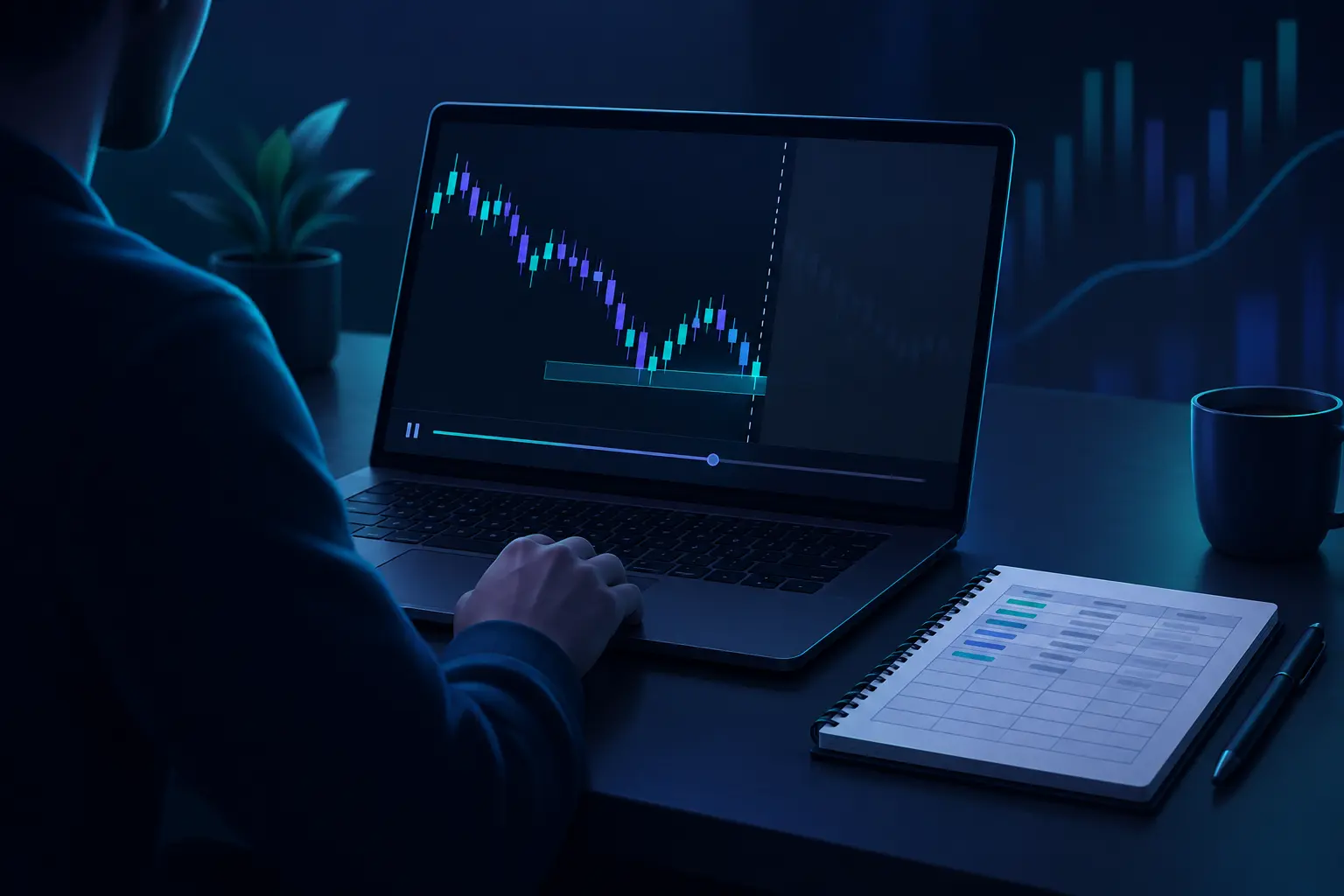
Pick a start date at least a year back and load the one-hour chart with the future candles hidden. Before stepping forward, mark the support and resistance zones you can see on the left of the screen. The guide to reading support and resistance covers how to draw them as zones a few pips wide, which matters here because a replay will show you how often price pierces a line and still holds the zone.
Step forward one candle at a time. When price reaches a marked support zone, stop and decide before the next candle prints: does it meet your written entry rule? If yes, place the trade with the stop below the zone and a target at the next resistance. If no, log it as a skip and say why. Then step forward until the trade resolves.
Do this for two or three hours and you will have twenty to forty logged decisions. Review them in batches. Things to look for in a first session: the stop sat inside the zone instead of below it and got clipped on the wick; entries came early, before the candle closed at the level; trades in the hour after a big data release behaved differently from the rest. Each finding is a rule change, written down before the next session.
One rule for honest replay: never rewind to retake a trade. The rewind button is the one feature that has no live equivalent, and using it trains you to expect second chances.
Common mistakes with free forex simulators
- Trading the default balance. A huge virtual account hides bad sizing. Reset it to your real starting balance before the first trade.
- Ignoring the spread you will actually pay. Check your live broker's typical spread for the pair at your trading hours and subtract it, plus slippage, from every sim trade.
- Changing the strategy every ten trades. Ten trades is noise. Hold the rules fixed for a full sample before judging them.
- Practicing only in quiet hours. If you will trade the London or New York open live, practice there. Quiet-session fills are the most flattering ones.
- Treating a funded-challenge simulator as proof. A prop firm simulator tests whether you follow drawdown rules, which is useful. It does not show you can pass with real fills under pressure.
- Practicing on a platform you cannot trade. Build the order-entry habits on the platform you will use live, or at least on the same family (MT4 or MT5).
- Using the rewind. In replay, a retaken trade is a trade you did not take.
Where Quant AI fits
A simulator gives you the room to practice, but it does not check your read of the chart. That is the gap Quant AI covers. Take a screenshot of the forex chart you are replaying or demo trading, and Quant AI reads it and marks the trend, the support and resistance levels it finds, and the setup, in seconds. Used during a replay drill, it gives you a second read to compare with the zones you drew yourself before you take the trade.
It is not a simulator, a broker or a signal service. It does not place trades, it does not know your stop or your account size, and its read is one opinion on a chart, not a prediction. Use it to check your levels; keep the decision, the sizing and the log yours.
How to choose a free forex simulator
- You want to learn one setup quickly: start with FX Replay's free plan and drill the setup on historical data.
- You know your setup and need to practice placing orders: open a demo with the broker you expect to fund, on the platform you will use.
- Your charts already live on TradingView: use TradingView paper trading, and price in costs yourself.
- Your rules are mechanical: code them as an EA and run the MT5 strategy tester on real ticks or every tick.
- You have outgrown free replay limits and need custom spreads per pair: look at a paid desktop replay tool, after checking the current price and trial terms.
- You are not sure yet: replay first, then a live demo. Most traders end up using both.
Frequently asked questions
Is there a free forex simulator online with no download?
Yes. FX Replay runs in the browser and its Beginner plan is free with no credit card, according to its help center. TradingView paper trading also runs in the browser and is available to all users. Broker demos are often web-based too, though MT4 and MT5 demos usually mean installing the platform.
What is the best forex simulator online for beginners?
For learning what a setup looks like, a replay tool such as FX Replay, because you see many examples quickly. For learning how to place and manage an order, a demo on the platform you will trade live. Beginners usually need the replay tool first.
Is a forex demo account the same as a forex simulator?
A demo account is one kind of simulator: live prices, virtual money. Replay tools and strategy testers are the other two kinds. They train different skills, which is why the comparison above splits them.
Do forex demo accounts expire?
Some do. Dukascopy says its demo typically stays active for 14 days. Others last longer or indefinitely. Check the terms before you plan a practice schedule around one.
Why did my strategy work on demo and lose money live?
Usually costs and fills. Demos often show tight spreads and fill orders at exactly the price you set. Live spreads widen at rollover and around news, and stops can slip. Rerun your demo results with the live spread and a slippage allowance subtracted from every trade, as in the worked example above. Psychology is the other reason: rules are easier to follow when the money is virtual.
Can I download a forex simulator to practice offline?
Yes, paid desktop replay programs such as Forex Tester exist, and the MT5 strategy tester runs locally for rule-based testing. Check current licence prices and trial terms on the vendor's site before buying.
Is forex backtesting software the same as a replay simulator?
Not quite. Backtesting software runs fixed rules automatically and reports the results. A replay simulator lets you make each decision by hand on past data. Many tools, including FX Replay, do some of both: manual replay with a journal and statistics.
How long should I practice on a forex simulator before trading live?
Measure it in trades of one setup. A sample of fifty to a hundred trades, logged honestly and with real costs subtracted, is a better gate than a date. Then start live with the smallest size your broker allows, because the psychology part only shows up with real money.
The bottom line
The best free forex simulator online is the one that matches the skill you are training. Use FX Replay's free plan to drill a setup on historical data, a broker demo on MT4 or MT5 to practice orders against live quotes, TradingView paper trading if your analysis already lives there, and the MT5 strategy tester once your rules are mechanical enough to code. Whichever you choose, set the balance to what you will really fund, log every trade, and subtract live spreads and slippage before you believe the result. A simulator shows you whether your process holds together. It cannot show you what real fills and real losses will do, and forex losses on margin can exceed what you deposit.





