

The Best Stock Scanners for Day Trading in 2026: Real-Time Scanners Compared
Trade Ideas, Day Trade Dash, TC2000, TrendSpider, Scanz, Finviz Elite and TradingView compared on refresh speed, preset scans, data fees and real cost.
The best stock scanners for day trading in 2026 are Trade Ideas if you want streaming alerts you can build yourself, Day Trade Dash if you trade small-cap momentum and want preset scans that work on day one, and TC2000 if you want a real-time scanner and good charts for under $100 a month. Scanz is the pick when news and SEC filings drive your trades. If you already pay for Finviz or TradingView, their real-time tiers are the cheapest upgrade, with one catch covered below: they refresh a list on a timer, and that is a different job from pushing an alert the moment something happens.
That distinction decides more than any feature list. A day-trading scanner exists to tell you which few stocks are moving now, out of thousands. How fast it tells you, and how it tells you, matters more than how many filters it has.
Quick comparison
| Scanner | How results arrive | Data | Best for | Listed price |
|---|---|---|---|---|
| Trade Ideas Standard | Streaming alerts plus top lists | Real-time, premarket from 4:00 a.m. ET | Custom intraday scans | $127/mo, or $1,068/yr |
| Trade Ideas Premium | Same, plus AI signals and backtesting | Real-time | Testing alerts before trading them | $254/mo, or $2,136/yr |
| Day Trade Dash | 24 preset scanners | Real-time included | Small-cap momentum | $197/mo ($147 for Warrior members) |
| TC2000 Premium | Real-time scanning and sorting | Real-time US stocks feed included | Scanner and charts in one, on a budget | $49.99/mo listed rate |
| TrendSpider | Scheduled scans on chart conditions | Non-pro US equities included | Pattern and indicator scans | Promotional pricing, tier sets scan speed |
| Scanz Pro | Unlimited simultaneous scans and alerts | Real-time news and filings | News and SEC filing scans | $199/mo |
| Finviz Elite | Screener auto-refresh every 10 seconds | Real-time, premarket from 4:00 a.m. | Cheapest real-time list | $39.50/mo, or $299.50/yr |
| TradingView (paid) | Screener auto-refresh 10 sec or 1 min | US exchange data billed separately | Scanning without leaving the chart | From €12.95/mo special price |
Prices are what each vendor's pricing page showed when we checked in November 2026. They change often and several carry promotional rates, so check the page before you pay.
Push alerts and timed refreshes are two different tools
Every product above calls itself a scanner, but they deliver results in one of two ways. A refreshing screener reruns your filter on a timer and redraws the list. A streaming scanner watches the tape and pushes a row out the moment a stock meets a condition, such as a new high of day on rising volume or a gap through a premarket level.
The timer is the number to check first. Finviz's Elite page lists screener auto-refresh at 3 minutes on the free tier and 10 seconds on Elite. TradingView's pricing page lists screener auto-refresh at "10 sec / 1 min" on its paid plans. Ten seconds is fast enough for most retail day trading. Three minutes is slow at the open, when a small cap can move 10% and pull back inside that window.
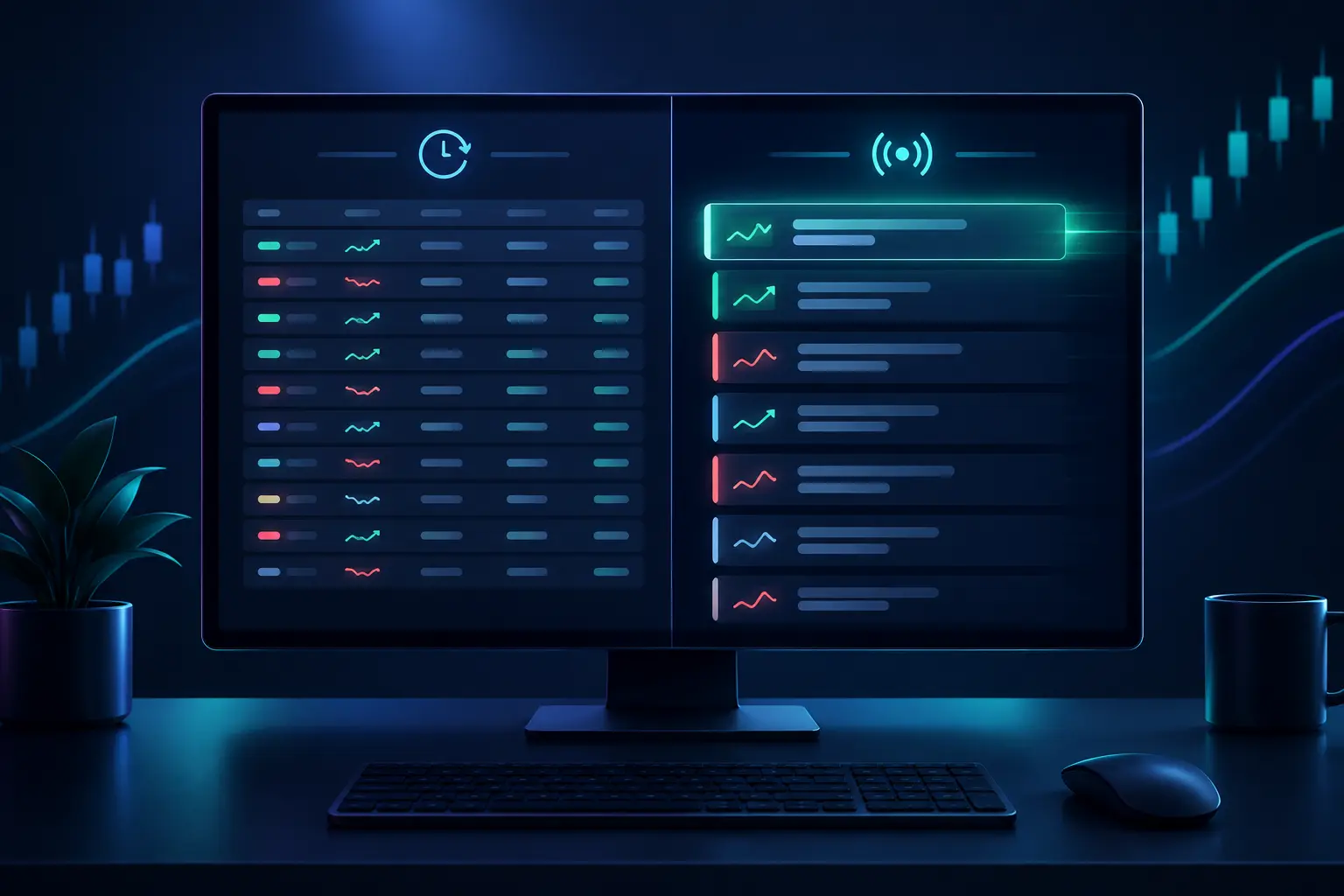
Streaming tools change what you do with your attention. With a refreshing list you scan the whole table each time it redraws and work out what changed. A stream of alerts tells you what changed, with a timestamp. Trade Ideas sells exactly that: its pricing page lists real-time streaming alerts, sound alerts and CSV logging on Standard. Day Trade Dash's preset scanners work on the same principle.
None of this makes a refreshing screener useless for day trading. A 10-second Finviz Elite screen sorted by relative volume, run from 8:30 a.m. onward, finds most of the stocks in play that a streaming scanner would. Where it falls behind is the second-by-second event: the first push through the high of day, or a halt and resume. If your setups trigger on those events, you want a streaming tool. If you pick five names before the bell and trade only those, a fast refresh is enough and costs a fraction of the price.
Trade Ideas, best for streaming alerts you build yourself
Trade Ideas is the scanner most day traders mean when they say "real scanner," and its pricing page explains why. Trade Ideas' pricing page lists Standard at $127 a month, or $89 a month billed yearly ($1,068 a year). That covers real-time data, premarket coverage from 4:00 to 9:30 a.m. ET and after-hours to 8:00 p.m., full custom scans and screeners, more than 500 alerts and filters, a scan library with 20-plus templates, 10 charts, a paper-trading simulator and historical scanning over the past 60 trading days. An AI Assistant turns a plain-English description into a scan.
Premium costs $254 a month or $2,136 a year. It adds Holly AI buy and sell signals, OddsMaker (which backtests any alert over the last 60 days), 20 charts and auto trading on your own strategies. OddsMaker is the reason to look at Premium at all. It lets you ask how an alert behaved over the past 60 days before you trade it live. Sixty days is a short sample and one market regime. Treat a good OddsMaker result as a reason to paper trade an alert, never as proof it works.
There is also a free tier, TI Free, which runs on 15-minute delayed data with pre-built scans only. It is useful for seeing the interface and useless for live day trading.
The weaknesses are real. Both paid plans are listed as a Windows app. The same breadth makes it slow to learn: hundreds of alerts and filters with no opinion about which ones you need. If you have not yet written down the setup you trade, you will build scans that return everything. And $1,068 a year is a fixed cost your trading has to cover before it makes a cent.
Day Trade Dash, best preset scans for small-cap momentum
Day Trade Dash is the scanner, chart and news package Ross Cameron's Warrior Trading sells. Warrior's own page blocked our fetch, so these figures come from Trade Ideas' comparison page, checked by Trade Ideas on October 6, 2026. Treat them as a rival's summary. That page lists Day Trade Dash at $197 a month for non-members and $147 for Warrior Starter or Pro members, or $247 and $197 with the web simulator. It also says there are 24 preset scanners tuned for momentum, TradingView-powered charts including 10-second charts, a curated news feed, and real-time market data included in the subscription.
The case for Day Trade Dash is the presets. A beginner on Trade Ideas has to build a gap scanner. On Day Trade Dash the gap scanner already exists, tuned to the low-float, high-relative-volume small caps that Warrior's method trades. If that is your style, the presets save weeks of tinkering.
The case against is the same thing from the other side. The scans encode one trading style. If you trade large-cap pullbacks or mean reversion, you are paying $197 a month for scans built for someone else. The same comparison page lists no backtesting, AI signals or brokerage integration for Day Trade Dash. Small-cap momentum is also the most volatile corner of the market, which is where the halt rules covered below come in.
TC2000, best value for a real-time scanner with charts
TC2000 is a US-stock charting and scanning platform, and on current pricing it is the value pick. TC2000's pricing page lists Basic at $24.99 a month, Premium at $49.99 a month and the top tier at $99.99 a month. All three carry an asterisk the page does not explain, and monthly, annual and biennial billing are offered without listed rates. Basic includes a real-time US stocks data feed. Real-time scanning and sorting starts at Premium, along with the EasyScan wizard and 100 tracked alerts. The top tier lets filters and sorts auto-refresh in real time or at intervals and tracks up to 1,000 alerts.
Extra feeds are billed monthly: real-time US options at $9.99, real-time indexes at $9.99 and the consolidated tape at $14.99, among others. Add those up before comparing TC2000 with an all-in price elsewhere.
For a trader who wants one platform to scan, chart and set alerts on, Premium at the listed $49.99 is hard to beat on cost. The trade-off is that TC2000's scanner works more like a fast, condition-based screener than a stream of momentum events. Small-cap traders who live on halts and high-of-day breaks usually want Trade Ideas or Day Trade Dash on top of it. We compare TC2000 with the other charting platforms in the best technical analysis software.
TrendSpider, best for scanning on chart conditions
TrendSpider's scanner works from what is on the chart: automated trendlines, candlestick patterns, indicator conditions and multi-timeframe rules. If your scan is "daily close above the 50-day, 15-minute RSI crossing up from 40," TrendSpider expresses it more directly than most tools.
Its pricing page showed promotional and renewal figures that did not line up cleanly when we checked, so we are not quoting a price. The number that matters for day trading is clearer. TrendSpider's pricing page lists the scanning timeframe by tier: 2 hours on Standard, 5 minutes on Premium, and 1 minute on Enhanced and Advanced. Scheduled scans run from 3 on Standard to 10 on Advanced, and alerts from 10 to 400. The page says non-professional US equities data is free on all plans, with a $29 monthly fee for professional users.
The scanning timeframe is the trap. A Standard plan cannot scan on anything faster than a 2-hour bar, which makes it a swing-trading tool. Day traders need Enhanced or Advanced for 1-minute scans, and those are the expensive tiers. TrendSpider is strong for chart-condition scans and weaker for the "show me what is moving right now" scan. Its own trial terms were inconsistent on the page (7 days on the cards, 14 in the FAQ), so confirm before you sign up.
Scanz, best when news and filings drive the trade
Scanz scans on four inputs: market data, technical signals, news, and SEC filings. The filings scan is what sets it apart. A day trader who trades offerings, 8-Ks and press releases needs a feed that catches a filing in seconds and ties it to price and volume, and that is the gap Scanz fills.
Scanz's pricing page lists Starter at $89 a month: one saved scan of each type, one scan running at a time, real-time news and filings, a single 20-symbol watchlist, browser and mobile only. Pro at $199 a month adds unlimited saved and simultaneous scans, unlimited alerts, unlimited watchlists and the desktop app with multi-monitor layouts. Ultra at $999 a month adds concierge scan building and API access, and its button reads "Contact us."
The Starter limit is the one to read twice. One scan at a time means you cannot run a gap scan and a news scan side by side, which is how most news traders work. Starter is a trial in practice, and Pro is the real product.
Finviz Elite and TradingView, the cheapest real-time upgrades
If you already screen on Finviz or TradingView, the paid tier is the cheapest way to get a real-time list.
Finviz Elite is $39.50 a month or $299.50 a year. Its page lists real-time data, premarket data from 4:00 to 9:30 a.m., the 10-second screener refresh, unlimited alerts including screener alerts, 100 rows per page (free shows 20) and CSV and Excel export. For a trader who builds a premarket gap list and then trades three names from it, that covers most of the job for less than a third of Trade Ideas Standard. What it lacks is the event stream: Finviz shows you a list that is at most 10 seconds old. It does not tell you that a name on your list just broke its premarket high.
TradingView's paid plans list a screener auto-refresh of 10 seconds or 1 minute, with alerts rising from 20 on Essential to 1,000 on Ultimate. The catch: its pricing page says real-time data for exchanges such as NASDAQ, NYSE and NYSE ARCA is added separately, and the plans differ in how many real-time data subscriptions you can hold. Upgrading the plan without buying the feed gets you faster software on a delayed feed. If you chart on TradingView, the screener is convenient, because clicking a row opens the chart with your drawings already on it.
Your broker's own scanner is the free real-time option. Schwab's thinkorswim has Stock Hacker, which its manual says finds symbols matching your criteria and can alert you on them. Interactive Brokers and Webull have real-time scanners too. They are clunkier than the paid tools and free with a funded account. We covered them, and the free tiers of Finviz and TradingView, in the best free stock screener apps.
What a day-trading scan actually looks for
Most of these tools ship with the same handful of preset scans, under different names. Knowing what each one does helps you judge whether you need a tool's presets or can build them yourself.
The premarket gapper scan lists stocks trading well above or below yesterday's close before the open, usually filtered by price, premarket volume and float. Trade Ideas' premarket page describes ranking gappers by percent, so a $2 gap on a $10 stock ranks above the same gap on a $100 stock. This is the scan almost every day trader runs between 7:00 and 9:30 a.m.
The relative volume scan compares today's volume, at this time of day, with the stock's normal volume at the same time. A reading of 3 means three times the usual activity. It is the most useful single filter intraday, because it separates stocks with a reason to move from stocks drifting with the index.
The high-of-day momentum scan fires when a stock prints a new intraday high, usually with a volume or price filter. This is the event a refreshing screener handles worst, because the alert matters in the seconds after the break.
The halt scan lists stocks paused for volatility and when they resume. That needs a word on the rules. The SEC's investor bulletin on circuit breakers describes the Limit Up-Limit Down mechanism: each stock has price bands of 5%, 10%, 20%, or the lesser of $0.15 or 75%, depending on its price, and if the price does not move back inside the band within 15 seconds, trading pauses for five minutes. Small caps trip these bands often. A halt scanner shows you that a stock has stopped trading and when it will reopen, and the reopen can print far from the halt price in either direction. A halt alert is the start of your risk, and it gives you no edge by itself.
If you want the filter-by-filter version, with the numbers traders set for price, float, relative volume and gap size, our day trading scanner setup guide walks through it. The preset scans are those filters, saved.
What a scanner costs against your account
The price that matters is the subscription as a share of the money you trade with. Here is the annual cost of each paid option at the rate its page listed. Monthly-only prices are multiplied by 12.
Bar chart of annual cost for real-time stock scanners at listed rates: Finviz Elite $299.50, TC2000 Premium $599.88, Trade Ideas Standard $1,068, Trade Ideas Premium $2,136, Day Trade Dash $2,364, Scanz Pro $2,388.
Now the worked example. Take a $10,000 account. Trade Ideas Standard on the annual plan is $1,068, or 10.7% of the account per year. Day Trade Dash at the non-member rate is $2,364, or 23.6%. Before commissions, slippage or a single losing trade, the account has to grow by that much for the scanner to pay for itself. On a $50,000 account the same two tools cost 2.1% and 4.7%. Finviz Elite is 3% of the $10,000 account and 0.6% of the $50,000 one.
| Scanner | Annual cost | Share of a $10,000 account | Share of a $50,000 account |
|---|---|---|---|
| Finviz Elite | $299.50 | 3.0% | 0.6% |
| TC2000 Premium | $599.88 | 6.0% | 1.2% |
| Trade Ideas Standard | $1,068 | 10.7% | 2.1% |
| Trade Ideas Premium | $2,136 | 21.4% | 4.3% |
| Day Trade Dash | $2,364 | 23.6% | 4.7% |
| Scanz Pro | $2,388 | 23.9% | 4.8% |
This is not a reason to avoid paid scanners. It is a reason to buy them in order. A smaller account usually does better starting with a broker scanner or Finviz Elite, keeping a log of trades it missed because the list was too slow, and upgrading once that log shows a pattern. FINRA's day trading page warns that frequent intraday trading carries the risk of "losing some or all of your investment" and that you "should never fund this type of trading with essential assets." A scanner subscription is one more fixed cost against an activity where losses are common.
The $25,000 pattern day trader minimum that once set a floor for many day traders was eliminated in June 2026, though brokers have until October 2027 to implement the change. We cover what replaced it in the PDT rule guide. A smaller account can now day trade at more brokers, which makes the cost table above more relevant to more people.
Where scanner alerts go wrong
A scanner hands you a ticker and a reason. It does not hand you a trade. The failures below come from treating the alert as the decision.
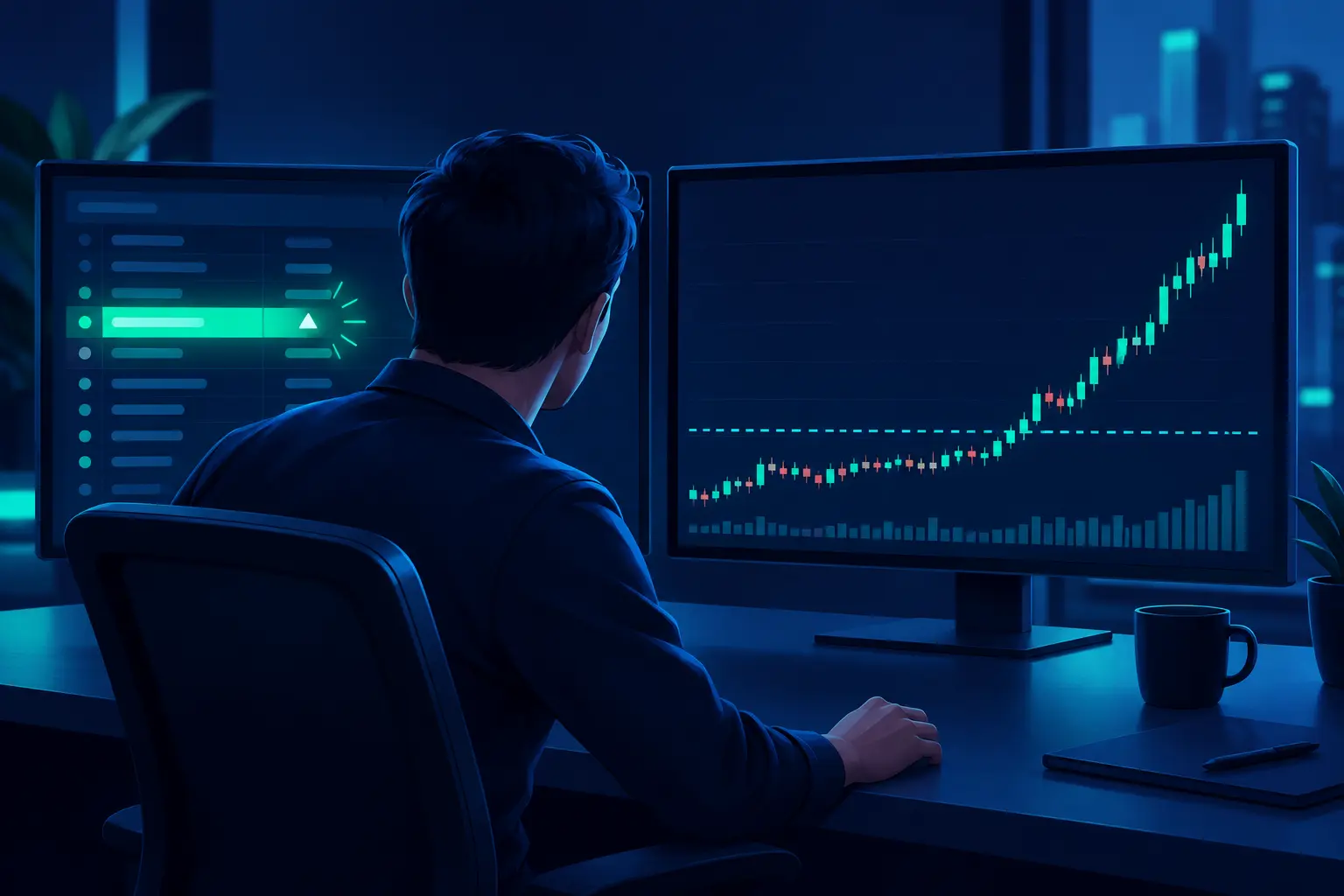
Chasing the alert is the most common one. By the time a high-of-day alert fires, you read it and you click, the stock may be several percent past the break. Your entry is now worse than the scan's, and your stop has to be wider to make sense, or you take the same stop on worse odds. A trader in r/Daytrading asking about multi-condition alerts put the next step plainly: "an alert never guarantees a valid setup," so how do you verify structure after it fires? The answer is the chart. Is there a level the price broke, did it break on volume, and where does the trade idea fail?
Scanning too wide is the second. A scan with no differentiating filter returns 60 rows, and you cannot read 60 charts in the first 15 minutes of the session. Tighten the scan until it returns a list you can actually check, often under 10 names.
The third is trusting presets you did not build. A preset tuned for low-float small caps will surface stocks with wide spreads and frequent LULD halts. That fits Warrior's method and can wreck a trader using a large-cap stop size. Know what a preset filters for before you trade what it finds.
The fourth is the halt reopen. A stock that halts on a spike can reopen well above or below the halt price. A scanner showing it as the top gainer says nothing about where it will print when trading resumes.
Where Quant AI fits
Quant AI is not a scanner. It does not watch the tape, rank thousands of tickers or push alerts. It covers the step after the alert: you send it a screenshot of a chart, from any of the tools above or your broker, and it marks the trend, the support and resistance levels it finds and the setup it reads, in a few seconds, with no account to connect or template to build.
That step is where scanner workflows usually stall. The scan fires on six names. Deciding which one still has a trade means reading six charts quickly, and a second read on the levels helps when you are moving fast. What Quant AI does not do: it does not know your position size or account, it cannot tell you whether a level will hold, it does not see news or filings, and nothing it marks is advice to buy or sell. It is a faster way to read the chart you were going to read anyway. If opening-range setups are where your scans point, the best apps for opening range breakout covers that workflow.
How to choose
If you pick a handful of gappers before the bell and trade only those, start with Finviz Elite or your broker's scanner. A 10-second list is fast enough, and the annual cost is a fraction of the alternatives.
For one platform that scans, charts and alerts in real time on a budget, TC2000 Premium is the value pick at its listed $49.99 a month. Budget for the extra data feeds you need.
If your setups trigger on events, such as high-of-day breaks, halts and resumes, or volume spikes inside the first minutes, you need a streaming scanner. Pick Trade Ideas Standard if you want to build your own scans, and Day Trade Dash if you trade low-float momentum the Warrior way and want the presets.
News and filings traders should look at Scanz Pro. Skip Starter unless you only ever need one scan running.
Scans built on chart conditions (patterns, indicator crosses, multi-timeframe rules) are TrendSpider's strength. Check that your tier scans at the timeframe you trade, because the cheaper tiers do not reach 1-minute bars.
Whichever you pick, use the trial or the first month to answer one question: did the scanner find a trade you would otherwise have missed? If it did not, the problem is upstream of the tool.
Frequently asked questions
What is the best stock scanner for day trading?
For most active day traders it is Trade Ideas, because it streams alerts you can build around your own setup and covers premarket from 4:00 a.m. ET. If you trade small-cap momentum and want ready-made scans, Day Trade Dash is the closer fit. On a budget, TC2000 Premium or Finviz Elite gets you a real-time list for far less.
Is there a free real-time stock scanner?
Yes: the scanner inside your broker's platform, such as thinkorswim's Stock Hacker, runs on your account's real-time data at no extra cost. Free web tiers are delayed. Trade Ideas' free tier runs on 15-minute delayed data, and free Finviz is delayed with a 3-minute screener refresh.
What is the difference between a stock scanner and a stock screener?
A screener reruns a set of filters and returns a list, either on demand or on a timer. A scanner, in the day-trading sense, watches live data and pushes a stock to you the moment it meets a condition. Several tools now do both.
Do I need a stock scanner to day trade?
No. Many day traders build a short watchlist before the open with a free screener and trade only those names. A scanner helps when your setups depend on catching intraday events as they happen, and it is worth paying for once you can name trades you missed without one.
Is Trade Ideas worth the money?
It depends on your account size and how you trade. At $1,068 a year on the Standard annual plan, it is 10.7% of a $10,000 account and 2.1% of a $50,000 one. It is worth it when streaming custom alerts are the bottleneck in your process. It is an expensive way to learn what your setup is.
What should a premarket gap scanner filter for?
At minimum: percent gap from the prior close, a price range you will trade, premarket volume, and relative volume. Small-cap traders usually add a float filter. Rank by percent gap rather than dollar gap, so a $2 move on a $10 stock outranks the same move on a $100 stock.
Why did a stock on my scanner stop trading?
It was most likely paused under Limit Up-Limit Down. If a stock's price leaves its band (5%, 10%, 20%, or the lesser of $0.15 or 75%, depending on price) and does not return within 15 seconds, trading pauses for five minutes. It can reopen far from the price where it stopped.
The bottom line
Pick the scanner by how results need to reach you. If a list that refreshes every 10 seconds is enough, Finviz Elite, TradingView with a real-time feed, or your broker's scanner will do it cheaply. If you trade events the moment they happen, you need a streaming scanner: Trade Ideas to build your own, Day Trade Dash for small-cap momentum presets, Scanz for news and filings. TC2000 sits between the two groups as the value pick.
Then do the arithmetic on your own account before you subscribe, and treat every alert as the start of a chart read. None of these tools tells you whether the trade will work, and every one of them can surface a stock that is moving too fast to trade safely.





